Virtual PBX for law firms: image, control and confidentiality
A client calls your firm. A generic voicemail answers. Or worse: the lawyer picks up from their personal mobile, mid-hearing, with background noise. That first impression doesn't convey the solidity a law firm needs to project. And in an industry where trust is everything, the image from that first contact matters more than it seems.













Never miss another call again.
Your business loses customers every time a call goes unanswered. Organize all your company's communications from one place, with no hardware and no hassle.
We advise you and implement a tailored solution for:
What happens when a law firm has no call protocol
Law firms deal with a demanding client profile, often carrying a high emotional charge. Whoever’s calling has an urgent legal problem or a question that needs answering soon. When they don’t get an immediate response:
- They call another firm.
- They lose confidence in how organized the team is.
- Or they leave a message that nobody reviews in time.
And the firm, for its part, has no idea how many potential clients it lost that week for lack of a protocol.
What a virtual PBX brings to a law firm
A professional image from the very first ring
“Welcome to [name] Law Firm. For civil and family law, press 1. For commercial law, press 2. For urgent matters, press 3.” The call arrives already sorted to the right lawyer. No manual transfers, no confusion.
Guaranteed confidentiality
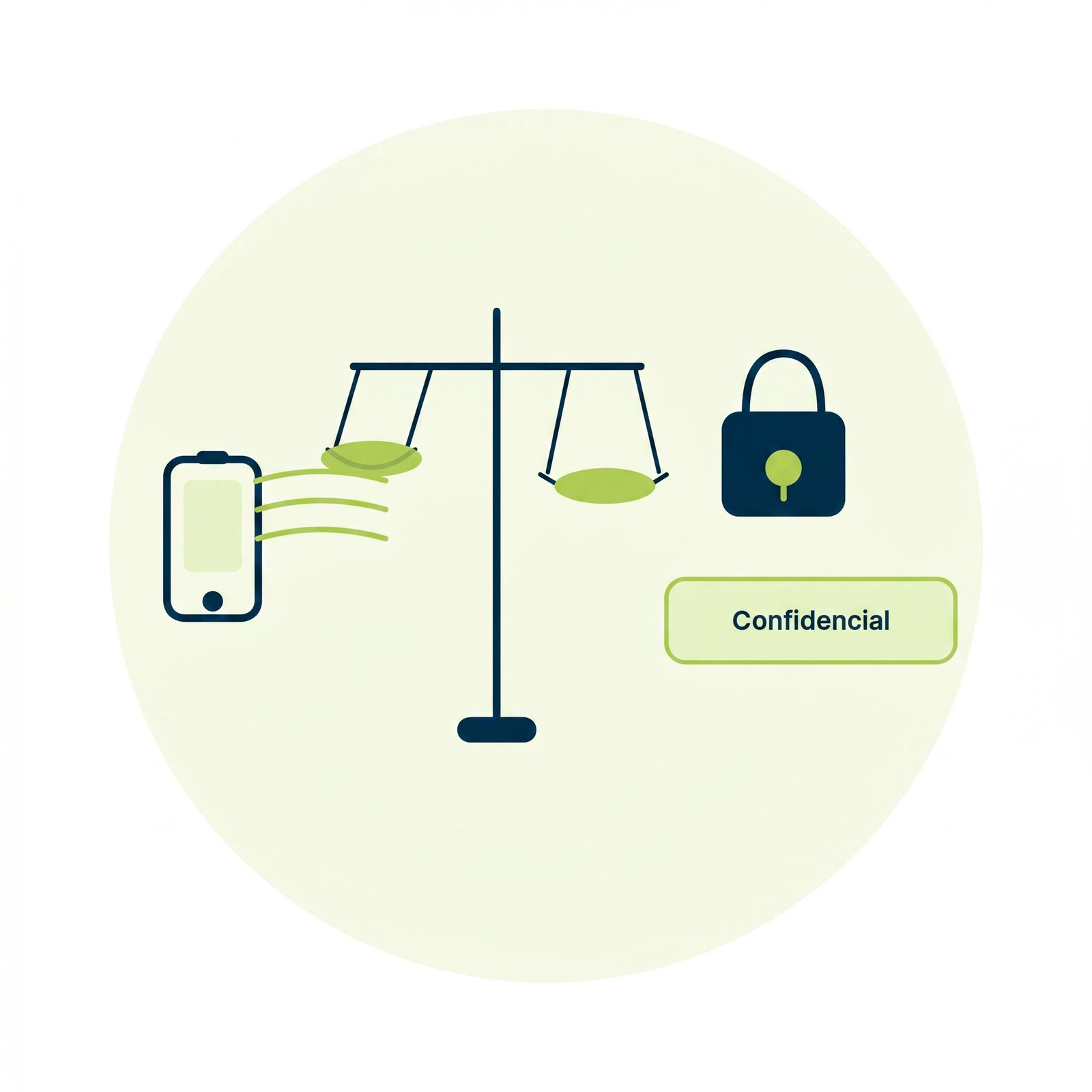
The lawyer’s personal number never shows up on the client’s caller ID. All communication runs through the firm’s number. The line between professional and personal life stays protected.
Call recording with access control
Conversations with clients get recorded and stored with restricted access. Useful for verifying what was agreed on a call, for training the team, or as documentary backup in complex cases.
After-hours forwarding without losing clients
Outside office hours, calls can be routed to a custom voice message with clear instructions, or to an on-call service if the firm needs one. The client always gets a response, even if it’s delayed.
One single number for all offices or professionals
If you have partners in different locations or outside collaborators, they all operate under the same firm number. To the client, the organization looks flawless.
No infrastructure, no installations, no hassle
A virtual PBX requires no hardware, no technicians, and no specialized training. The team works from the devices they already use. We set up the entire protocol.
And if the firm grows — more partners, more practice areas, a second office — the PBX scales without complex expansion costs.

Frequently asked questions about virtual PBX for law firms
Is recording calls with clients legal for a law firm?
Yes, with the right requirements in place. The system includes an automatic notice at the start of each call informing the other party that the conversation may be recorded. That complies with GDPR and data protection regulations. Recordings are stored with restricted access — only the people you authorize can review them. In a legal context, that record can be valuable: not as surveillance, but as documentary backup of what was verbally agreed with a client.
How is an urgent call handled outside the firm’s business hours?
It depends on what the firm needs. The most common options: direct forwarding to the on-call lawyer’s mobile, a voice message with clear instructions on what to do in a genuine emergency, or a dedicated emergency number that only activates at night or on holidays. The system distinguishes between business hours, after-hours, and holidays — each time slot can have its own protocol. A client calling at 11pm about an arrest gets a different response than one calling on a Tuesday at 10am to book an appointment.
Can each lawyer at the firm have their own extension without sharing their personal mobile?
Yes. Every professional at the firm gets an internal extension. Clients always call the firm’s number. The system routes the call internally to the lawyer responsible for that case. If that lawyer is in court or unavailable, the call follows the defined protocol: it jumps to the next available person, goes to reception, or goes to voicemail. The lawyer’s personal mobile never shows up on the client’s caller ID.
Can the firm be set up by practice area so calls reach the right specialist?
Yes. The greeting menu can be structured by practice area — civil, commercial, labor, criminal, family law — so the client selects the area before anyone even picks up. The specialist lawyer receives the call already sorted. If the firm has just one lawyer covering multiple areas, the menu can still help filter the type of inquiry and prepare the conversation before it’s answered.
How does routing calls through an external platform affect attorney-client privilege?
Calls run through cloud infrastructure encrypted both in transit and at rest. Glofera never accesses the content of the conversations. The firm is the sole owner of the data and decides who has access to recordings, how long they’re stored, and under what conditions. If the firm operates under specific bar association regulations or has audit requirements, we review that during the initial analysis to make sure the setup complies with them.
What happens when a partner or outside collaborator leaves the firm?
The clients that partner handled never had their personal number — they always called the firm’s number. When that professional leaves, calls from their client portfolio keep coming into the business and get reassigned to whoever takes over those cases. No clients left hanging, no conversations lost on a mobile that no longer belongs to the firm.
Virtual PBX Features

Intuitive web dashboard
Manage all essential functions from a friendly interface.

Unlimited calls
Communicate without limits with national landlines and mobiles.

Unlimited lines
Create the extensions your business needs as it grows.

IP Phone or
Softphone rental
Maximize the efficiency of your communications with no extra costs.

Advanced statistics
Make data-driven decisions and optimize your resources.

Installation and maintenance
We make sure your PBX is ready and runs smoothly.
Easily set up over +150 features