Virtual PBX for dental clinics: never miss another appointment
Your team is treating a patient. The phone rings. Nobody picks up. Ten minutes later, that patient has called the clinic next door and booked an appointment. You don't even know they called. This is the most common communication problem in dental clinics — and also the easiest one to fix.
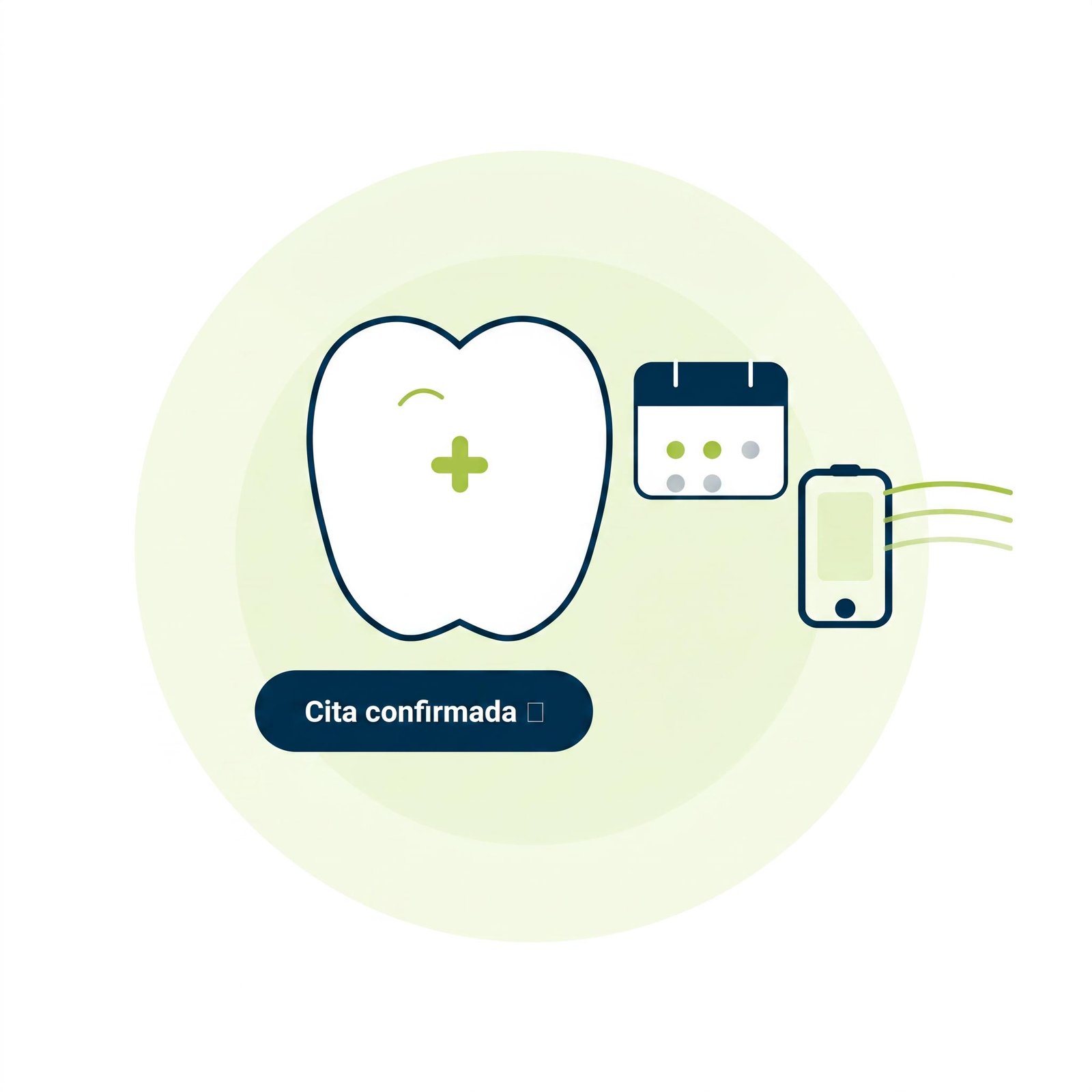













Never miss another call again.
Your business loses customers every time a call goes unanswered. Organize all your company's communications from one place, with no hardware and no hassle.
We advise you and implement a tailored solution for:
The problem isn’t a lack of staff. It’s a lack of protocol
A dental clinic has very distinct call spikes: first thing in the morning, midday, and right after lunch. These are exactly the moments when the team is busiest with patients.
Without a virtual PBX, here’s what happens:
- The phone rings at reception. The receptionist is with a patient.
- Nobody picks up. The call is lost with no record.
- There’s no way to know who called or to call them back.
- The patient calls the next clinic on their search results.
It’s nobody’s fault. It’s a structural problem that a virtual PBX solves without complicating the team’s daily routine.
What changes with a virtual PBX at your clinic
No call disappears without a trace
With Glofera Connect, every call gets logged: who called, at what time, how long it rang, and whether it was answered. Even if the team is with a patient, a missed call doesn’t slip through the cracks.
Automatic forwarding when nobody’s available
If reception can’t answer, the call automatically forwards to: the coordinator’s mobile, a custom voice message recorded in your own voice, or a queue with music. The patient knows they’ll be taken care of. They don’t hang up.
A professional greeting from the very first ring
“Welcome to [name] Dental Clinic. To book an appointment, press 1. For emergencies, press 2.” We set up this greeting with your own script. The first impression a patient gets is professional, even outside business hours.
Call statistics by time slot
How many calls do you miss on Monday mornings? What time do you need more coverage at the front desk? With Glofera Connect’s call reports, you get that data every week. You stop managing by gut feeling.
One single number for the whole clinic
The patient always calls the same number. You decide internally who answers, in what order, and under what protocol. If you open a second location, the number stays the same.
How the process works with Glofera
We don’t send you off to install things on your own. Here’s how it works:
- Free analysis: we review your current situation — how many lines you have, how you handle calls, what your volume spikes look like — and tell you exactly what setup you need.
- We handle the setup: the call protocol, greetings, forwarding rules, and extensions. You give us the script, we implement it.
- Your team is up and running in days: no technical training, no phone number change, no hardware to install.
- Ongoing support: if anything changes at your clinic — a new professional, a schedule change, a second location — we update it with you.
What sets Glofera apart from other providers
Most PBX providers give you access to a platform and tell you “set it up yourself.” Glofera doesn’t.
We’re the only provider that includes free consultancy with every implementation. That means we don’t just hand you the tool — we help you define the communication protocol that works best for your type of clinic.
If you already have a PBX with another provider and you’re not happy with the service, we’ll run an analysis of your current setup and tell you, with no obligation, whether it can be fixed or whether it’s worth switching.

Frequently asked questions about PBX systems for dental clinics
Can I keep the phone number my clinic already has?
Yes. The virtual PBX runs on your current number. Patients keep calling the same number as always and notice no change. We handle the number porting process.
What happens to calls that come in while I’m treating a patient?
It depends on how you set up the protocol. The most common options for clinics: forwarding to the coordinator’s mobile, a queue with a custom message, or voicemail in your own voice that logs the number so you can call back. You decide what happens during each time slot.
Can I set up a different schedule for holidays or vacation?
Yes. You can have as many schedules as you need: regular hours, Saturdays, holidays, August closure, Easter week. Each time slot activates a different protocol automatically. If the clinic closes for two weeks in August, the system knows and acts accordingly without anyone having to remember to turn it on.
How many lines do I need for a clinic with three chairs?
There’s no fixed formula — it depends on your call volume and team size. In the initial analysis, we review how many simultaneous calls you get during peak hours and size the lines accordingly. For most three-chair clinics, two to three lines solve the problem without over-sizing the cost.
Does the PBX integrate with the clinic’s management software?
It depends on the software. With the most common platforms in the sector (Gesden, Dentix, Clinic Cloud, iDental), there are integration options that let you link calls to the patient’s record. We check this during the free analysis before you commit to anything.
What happens if the power goes out or the internet fails at the clinic?
Since it’s a cloud-based PBX, calls don’t depend on what happens physically at your location. If there’s a power outage, calls keep coming in and the system applies the configured protocol: forwarding to mobile, voicemail, or whichever option you’ve chosen. The clinic is never cut off.
Virtual PBX Features

Intuitive web dashboard
Manage all essential functions from a friendly interface.

Unlimited calls
Communicate without limits with national landlines and mobiles.

Unlimited lines
Create the extensions your business needs as it grows.

IP Phone or
Softphone rental
Maximize the efficiency of your communications with no extra costs.

Advanced statistics
Make data-driven decisions and optimize your resources.

Installation and maintenance
We make sure your PBX is ready and runs smoothly.
Easily set up over +150 features