Mobile PBX: your company’s phone system on your mobile
There are businesses that will never have an office with phones on the desks. Installers, renovation contractors, hauliers, sales reps, home-service providers, and freelancers who work wherever they happen to be. For them, the PBX can’t be on a wall: it has to be in their pocket.
That’s a mobile PBX. And it’s not a cut-down version of the real thing: it’s the same one, with the desk phones swapped for mobiles.
What it is and what it isn’t
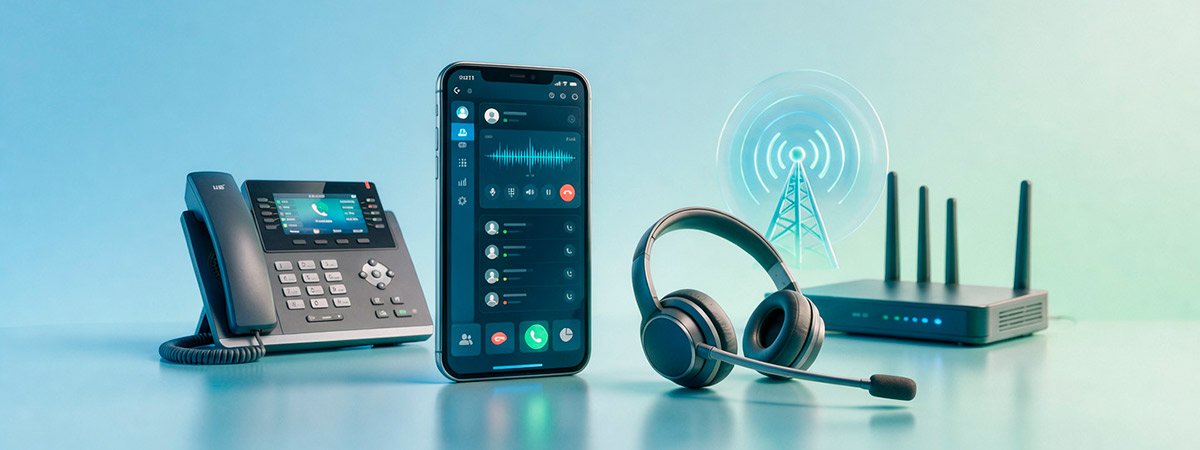
A mobile PBX manages your company’s calls using your team’s mobiles as terminals, through an app. It has everything any PBX has: a company number, extensions, business hours, forwarding, queues, recording, and statistics.
What it isn’t: forwarding the landline to a mobile. That’s the solution half the country uses, and it’s the one causing the problem. When you forward to a mobile, the call leaves your system: it isn’t logged, it can’t be shared among several people, and the customer sees whatever number happens to show up.
The four problems it solves
1. Your personal number stops being the company’s number
The installer who gives their mobile number to a customer has created a private channel the company doesn’t control. When that person leaves, they take the client book with them in their phone’s contacts. With a mobile PBX, they call using the company number from their own device.
2. It no longer rings in just one place
A call to the company number can ring on three mobiles at once, or be passed from one to the next. The customer no longer depends on one specific person having signal.
3. You know what’s happening on the phone
Answered and missed calls, who picked up, and at what time. For businesses that work in the field, this data simply doesn’t exist: a company mobile doesn’t provide it. It’s the same gap we describe in managing your team’s calls from their mobile.
4. The phone switches off on schedule
Outside business hours, company calls stop coming in through the app and go wherever you decide: voicemail, an AI agent, or the mobile of whoever is on call. The personal handset stops ringing at eleven at night.
You don’t need a company mobile for each person. The handset each one already has is enough, and their private life stays separate. A mobile PBX isn’t a separate product category: it’s the same virtual PBX set up without desk phones. If you open an office tomorrow, you add landline handsets and they work alongside the mobiles under the same number and the same rules. If you also want to understand which numbering suits you (geographic, 900, the 400 range for sales calls), it’s covered in business number without a landline. Forwarding takes the call out of the system: it isn’t logged, it can’t be shared among several people, and you don’t control the number displayed when calling out. With a mobile PBX, the call stays inside the PBX, with its rules, its statistics, and its recording. No. The app works on each person’s own device, keeping the two lines separate: company calls come in through the app and personal ones through the mobile line. Outside business hours, the company side stops ringing. The app needs data or Wi-Fi. For areas with no coverage, an automatic fallback to the regular mobile line is set up, so the call still goes through even if some functionality is lost. In a business on the road, what decides whether this works isn’t the app: it’s who rings first and what happens when that person is up a ladder. We design it with you for free and with no obligation.How it works in practice
Which businesses it suits
Profile
What it solves
Installers and renovation work
Nobody misses a call-out while they’re on a site
Sales reps on the road
They call using the company number and it gets logged
Home services
One public number and call distribution among technicians
Freelancers
A company image with no landline or office fee
Businesses with no premises
All your telephony without a single cable
The limits, because it has them too
Mobile or landline: you don’t have to choose
Quick questions
What’s the difference between a mobile PBX and forwarding the landline to a mobile?
Do I need company mobiles for every employee?
Does it work without data coverage?
We’ll set up your call routing before you sign anything

Related Posts